Introduction
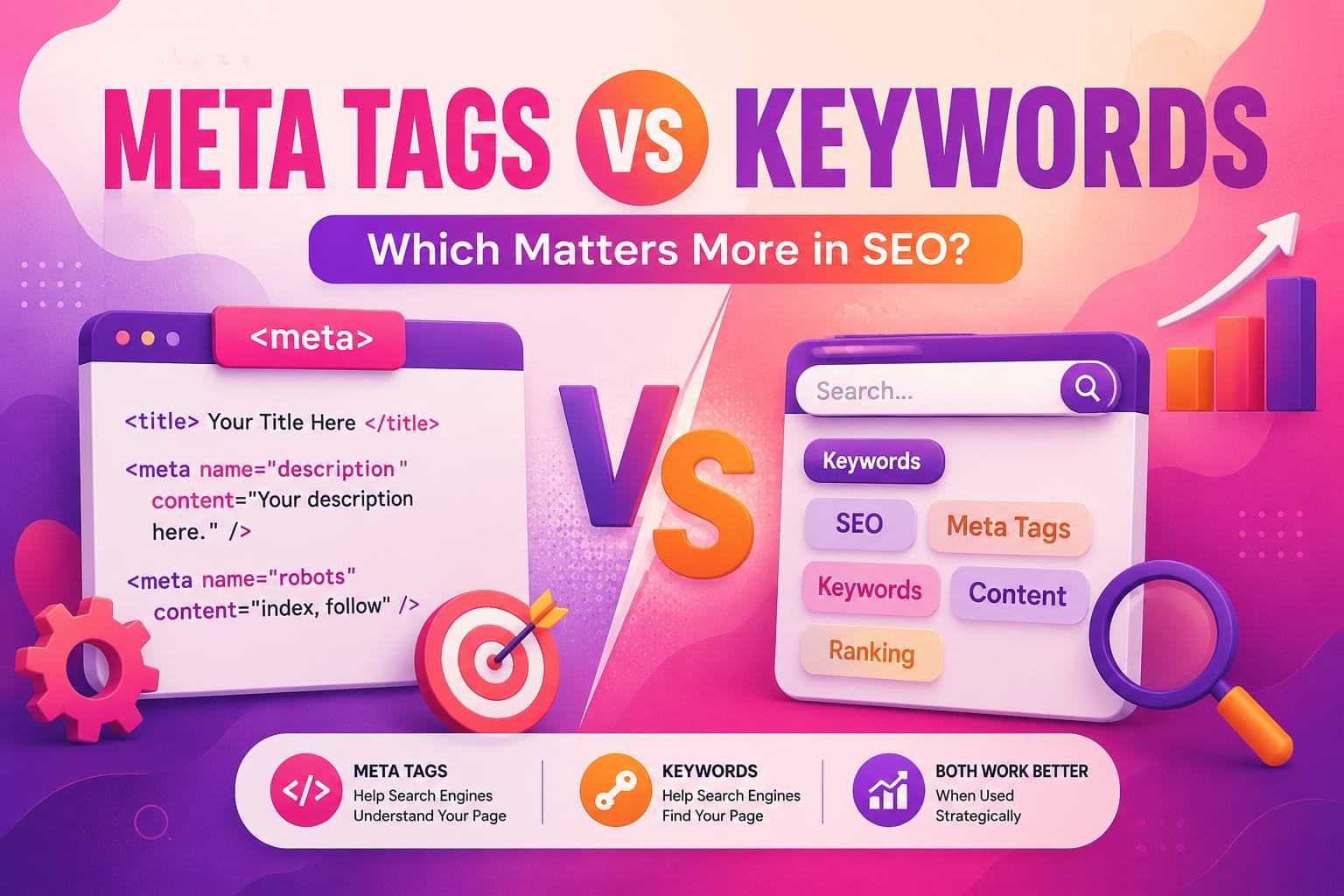
Meta Tags vs Keywords shape how search engines interpret, index, and rank your web pages. Meta tags and keywords are not the same thing, and mixing them up is one of the most common reasons small business sites carry SEO mistakes for years without anyone noticing. A Keyword is a word or phrase your customer types into Google.
A Meta Tag is a piece of code in your page’s HTML that describes that page to search engines and browsers. Keywords are what people search for. Meta tags are how you tell a search engine what your page is about — and only some of them still work.
That distinction sounds small. It isn’t. We’ve opened client sites that had a meta keywords tag stuffed with 40 phrases and a title tag that hadn’t been touched since 2016. The keywords tag did nothing. The stale title tag was actively costing them clicks. Knowing which is which decides where you spend your next hour of SEO work.
What Meta Tags Actually Are
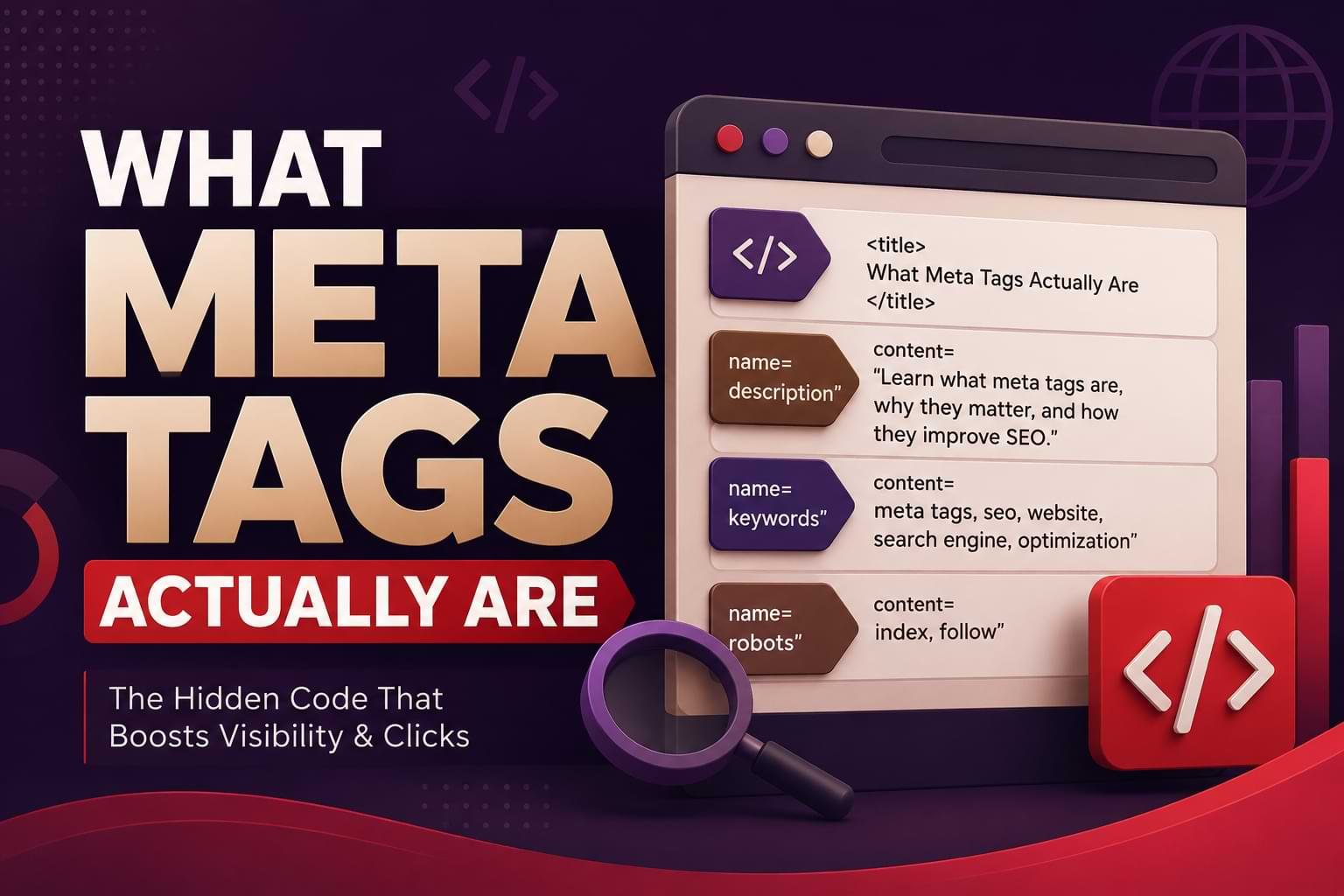
Meta tags are snippets of HTML that sit in a page’s <head> section, invisible to a visitor but readable by any crawler that requests the page — including Googlebot, Bingbot, and newer AI crawlers like GPTBot, PerplexityBot, and ClaudeBot. You can see them yourself on any page by right-clicking and choosing “View Page Source.”
Not all meta tags carry equal weight in 2026. Some directly influence rankings and click-through rate. Others are legacy code that Google has publicly ignored for over a decade.
The tags that still matter
- Title tag — the clickable blue link in search results. It’s still one of the strongest on-page relevance signals Google has, and it should carry your primary keyword near the front, under 60 characters.
- Meta description — not a ranking factor itself, but it’s your ad copy in the results. A description that answers the searcher’s question directly earns more clicks, and click-through rate does feed back into how a page performs over time.
- Robots meta tag — tells crawlers whether to index a page or follow its links. Get this wrong (an accidental
noindexon a money page) and the page disappears from search entirely. - Canonical tag — points search engines to the “master” version of a page when duplicate URLs exist, which matters constantly on ecommerce and multi-location sites.
The tag that doesn’t
The meta keywords tag — <meta name="keywords" content="..."> — is the one people usually mean when they say “meta tag” and “keyword” like they’re interchangeable. It was designed in the 1990s so a webmaster could tell a search engine, in plain text, what a page was about. It worked, briefly, because search engines had no better way to understand content.
Then businesses realized they could stuff it with irrelevant high-traffic terms to game rankings. Google’s response was to stop trusting it. Matt Cutts, then head of Google’s webspam team, confirmed publicly in 2009 that Google completely ignores the keywords meta tag.
Nothing since has reversed that. Filling it in today has no positive effect on rankings — it’s just a line of code competitors can read if they view your source.
What Keywords Actually Are
A keyword is the language your customer uses, not a field you fill in. If someone searches “emergency plumber Coral Gables,” that phrase — and its variants — is the keyword. Your job isn’t to declare it in a hidden tag; it’s to make sure it shows up naturally in your headings, your body copy, your image alt text, and yes, your title tag and meta description.
Keyword research today is really intent research. Before writing a word of content, ask what the searcher is trying to decide or do. Someone searching “meta tags vs keywords” isn’t shopping — they’re trying to understand a concept, probably because they’re auditing their own site or fielding a question from a boss or client.
Content that answers that directly, in the first few sentences, is what both a human reader and an AI Overview will reward.
Meta Tags vs. Keywords: Side-by-Side
| Meta Tags | Keywords | |
|---|---|---|
| What it is | HTML code describing a page to crawlers | Words/phrases people actually search |
| Visible to users? | No (except meta description, shown in SERPs) | Yes — it’s their own search query |
| Where it lives | Page <head> |
Your content, headings, and search demand data |
| Ranking impact today | Title tag: high. Description: indirect (via CTR). Keywords tag: none | High — content that matches real search intent and language |
| Common mistake | Filling the dead keywords tag instead of the title tag | Repeating the exact phrase instead of natural variants |
A quick way to remember the split: meta tags are packaging, keywords are the product. Packaging can make a good product get chosen over a mediocre one on the shelf, but no amount of packaging fixes a product that doesn’t answer the question.
A perfectly written title tag on a thin, generic page still won’t rank — and a page full of the right keywords with a lazy, duplicated title tag still won’t get clicked.
Why the Meta Keywords Tag Died
Understanding the collapse explains why so much outdated advice — including entire articles still live today — recommends optimizing a tag that’s been dead for 15+ years.
Early search engines like AltaVista couldn’t read a page’s actual topic with much sophistication, so they leaned on webmaster-declared signals. The meta keywords tag let a site owner say, in plain text, “this page is about X, Y, Z.” It was trust-based, and trust-based systems break the moment money is involved.
Once ranking well meant real revenue, site owners started cramming the tag with unrelated high-traffic terms — a used car parts page tagged with “free mp3s” and “celebrity gossip” purely to catch stray traffic.
The signal-to-noise ratio collapsed fast enough that Google found the tag more useful as a spam indicator than a relevance one, and stopped reading it for ranking purposes altogether.
That shift pushed the entire industry toward analyzing what a page’s actual visitors experience — headings, body copy, structured content, and (now) how well a page can be lifted whole into an AI-generated answer. The lesson holds either way: if a keyword matters, it needs to live where a real reader can see it, not in a hidden field.
What We Found in a Real Miami Client Audit
During a technical SEO audit for a Miami restaurant group client, Muhammad Rehan Iqbal, Egochi’s Co-Founder and Content Strategy & Web Development Lead, pulled the site’s indexed pages through Google Search Console’s Pages report and found something common but costly: eleven location pages were sharing one identical title tag — “Restaurant | Home” — while the meta keywords tag on every page was stuffed with over 30 unrelated phrases inherited from a template built years earlier.
Google was indexing all eleven pages, but with no distinct title to differentiate them in search results, several were competing against each other for the same query instead of each capturing its own neighborhood search.
The fix was straightforward: unique, location-specific title tags for each page (e.g., “Cuban Restaurant in Little Havana | [Client Name]” instead of the generic template), rewritten meta descriptions in both English and Spanish to match how Miami’s bilingual searchers actually phrase local queries, and full removal of the dead keywords tag from the CMS template so it couldn’t propagate to future pages.
That single fix — distinct titles per location — is the kind of change that shows up in Search Console’s Pages report within a few weeks as previously overlapping pages start earning separate impressions instead of splitting one shared signal.
How to Audit Your Own Meta Tags
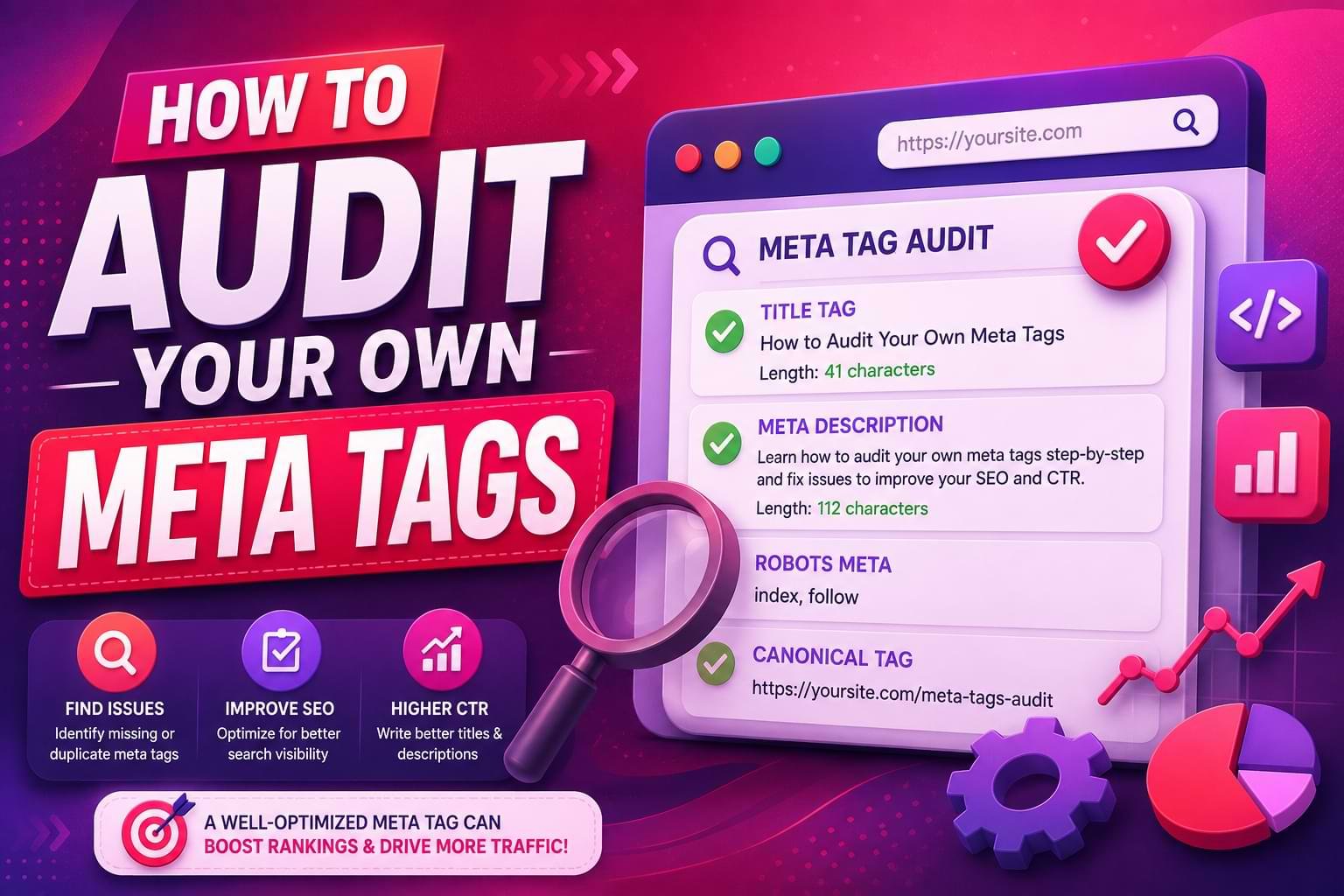
You don’t need special tools to check most of this — a browser and Google Search Console cover it.
- View your page source. Right-click any page, choose “View Page Source” (or Inspect), and search for
<title>and<meta name="description". Confirm each is unique and matches the page’s actual topic. - Pull your Pages report in Google Search Console. Look for pages with identical or near-identical titles — a strong sign of the exact duplication problem found in the Miami audit above.
- Check for a lingering keywords meta tag. If your CMS template still outputs
<meta name="keywords">, remove it from the template so it stops shipping on every new page. It won’t hurt rankings, but it does hand your keyword strategy to anyone who views source. - Cross-check against the new Search Console Generative AI performance report. Google began rolling out a dedicated Search Generative AI performance report in Search Console on June 3, 2026, showing impressions from AI Overviews, AI Mode, and Discover’s AI features separately from classic organic data. If your property has access, compare which pages are earning AI-feature impressions against which have clear, well-written titles and descriptions — the correlation is usually obvious.
- Confirm crawler access before you fix anything else. A perfectly written title tag does nothing if GPTBot, PerplexityBot, or ClaudeBot can’t reach the page. Check robots.txt for accidental blanket disallows, especially ones inherited from a staging-site configuration that never got updated for production.
Run this quarterly, not once. Templates get updated, plugins reset defaults, and a redesign can quietly reintroduce the exact duplicate-title problem found in the Miami audit above.
Myths About Meta Tags and Keywords, Debunked
Myth: “More keywords in the meta tag means more ways to get found.”
The tag isn’t read for ranking purposes, so volume there does nothing. Every minute spent padding it is a minute not spent on the title tag, which is actually read.
Myth: “Keyword density is a hard number Google checks.”
Google has never published a target density, and chasing one — 1%, 2%, or otherwise — treats language like a formula instead of a conversation. Density guidance is useful as a sanity check against stuffing, not as a scoring rule search engines apply.
Myth: “If competitors can see my meta keywords tag, that’s a real competitive risk.”
It’s a minor one at best. The bigger risk is a competitor noticing your title tags are generic and duplicated, because that’s the signal actually connected to whether you rank.
Myth: “A longer meta description ranks better.”
Google truncates descriptions past roughly 155–160 characters in the results. A description cut off mid-sentence looks unfinished and hurts click-through rate more than a tightly written shorter one.
Myth: “AI Overviews replaced the need for meta tags.”
AI Overviews and AI Mode still rely on crawling and understanding a page, and a clear title tag plus well-structured content makes a page easier to extract cleanly into an AI-generated answer, not less relevant to one.
Common Mistakes Businesses Still Make
- Treating the keywords meta tag as a task on the SEO checklist. It isn’t. Spend that time on the title tag instead.
- Copying the meta description from the page’s first paragraph. A good description is written as a pitch to click, not a summary excerpt.
- Keyword stuffing the visible content instead of the dead tag. Repeating “Miami SEO agency” five times in one paragraph reads as spam to both a human and a classifier — the problem just moved from the hidden tag to the visible page.
- Ignoring duplicate title tags across near-identical pages — the exact issue found in the client audit above, and one of the fastest wins available on multi-location or multi-service sites.
- Assuming a noindex or accidental robots tag change is harmless. It isn’t — never apply a blanket noindex or nosnippet tag without checking each page’s intent individually.
Meta Tags, Keywords, and AI Search in 2026
Answer engines like Google’s AI Overviews, AI Mode, ChatGPT, and Perplexity don’t read your meta keywords tag any more than classic Google does. What they do read is your title tag, your structured content, and — increasingly — whether your site allows their crawlers in at all.
Blocking GPTBot or PerplexityBot in robots.txt removes you from citation in those tools entirely, a decision worth making deliberately, not by default template setting.
Google’s own June 2026 rollout of dedicated Generative AI performance reporting in Search Console is a signal of where measurement is heading: visibility inside AI answers is now trackable as its own line item, separate from traditional rankings, which means the title-tag and content-quality work described above increasingly doubles as AI-citation work.
Get the fundamentals right once, and you’re optimizing for both surfaces at the same time — that’s the whole idea behind building content that’s answer-first from the first sentence, not retrofitted for AI after the fact.
That reporting rollout also came with a new toggle letting site owners exclude their content from AI Overviews, AI Mode, and Discover’s AI features specifically — separate from Google-Extended, which controls AI model training rather than live search features.
For most businesses relying on organic visibility, opting out isn’t the right call; it removes a growing discovery channel without any offsetting ranking benefit. The decision is worth understanding rather than defaulting into, especially for sites with strong opinions about how their content gets summarized.
None of this changes the core mechanics described above. A page still needs a distinct, accurate title tag. It still needs content organized so a single section can stand on its own if pulled out of context — which is functionally what happens when an AI Overview lifts one paragraph to answer a question.
Schema markup helps here too: marking up a page as Article or a local business as LocalBusiness gives both classic crawlers and AI systems a structured, unambiguous description of what the page is and who it’s from, which is a very different job than the old keywords tag ever did, even though people sometimes confuse the two.
FAQs
Do meta keywords still matter for SEO?
No. Google has publicly confirmed since 2009 that it ignores the meta keywords tag entirely. It carries no ranking benefit and no penalty — it’s simply inert.
What should actually go in my title tag?
Your primary keyword near the front, under 60 characters, written to be specific to that exact page — not a generic template repeated across multiple pages.
Does keyword density affect rankings?
Natural keyword presence in your content matters far more than a specific density number. Aim for your keyword and its natural variants to appear where a reader would expect them — forcing repetition to hit a percentage reads as spam.
Should I bother removing old meta keywords tags from my site?
For new pages and templates, yes — stop it from propagating further. For a massive legacy site, a full manual cleanup is rarely worth the time; prioritize it only when you’re already updating those pages for other reasons.
Can I just copy my competitor’s meta tags?
No. A title tag or description copied from a competitor describes their page, not yours, which confuses both users and search engines about what your page actually offers — and duplicated titles across unrelated domains provide zero ranking benefit to either side.